
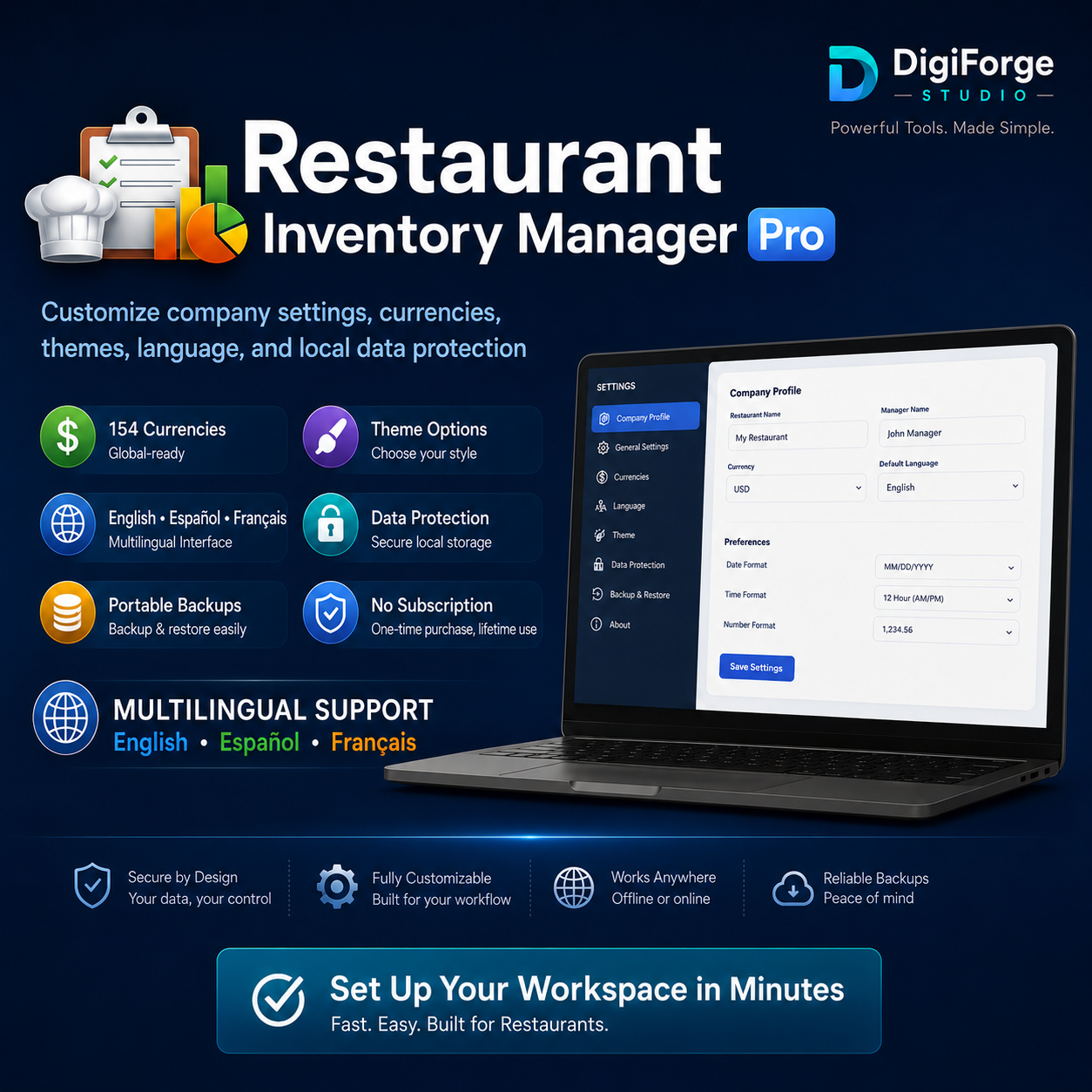
Restaurant Inventory Manager Pro | English • Español • Français | Offline Windows App, Stock, Waste & Reports
Portable restaurant inventory software with local data storage, executive reports, and English, Spanish, and French support.
$29.99
TAKE CONTROL OF YOUR RESTAURANT INVENTORY
Restaurant Inventory Manager Pro is a portable Windows application designed for restaurants, cafés, bakeries, catering businesses, food trucks, bars, and commercial kitchens.
Track inventory, purchasing, suppliers, waste, recipes, tasks, expiration dates, reorder levels, and operational performance from one organized workspace.
No monthly subscription. No cloud account. No complicated installation.
KEY FEATURES
• Inventory and stock tracking
• Low-stock and reorder alerts
• Purchasing and supplier management
• Food-waste tracking
• Recipe and ingredient management
• Expiration-date monitoring
• Operational task management
• CSV import and export
• Professional executive reports
• PDF report printing
• 154 supported currencies
• Backup and restore tools
• Local SQLite database
• Multiple premium themes
• Works offline
• No subscription
MULTILINGUAL SUPPORT
The application interface and buyer documentation are available in:
• English
• Español
• Français
PROFESSIONAL EXECUTIVE REPORTS
Create management-ready reports with:
• Custom reporting periods
• Inventory value summaries
• Purchasing totals
• Waste exposure
• Low-stock risks
• Expiration risks
• Operational recommendations
• Module performance
• Detailed inventory records
• Professional PDF-ready formatting
YOUR DATA STAYS LOCAL
Restaurant Inventory Manager Pro stores application data in a secure local SQLite database on your Windows computer.
The application does not require:
• A cloud account
• A recurring subscription
• An online database
• Browser storage
• Third-party data hosting
WHAT YOU WILL RECEIVE
• Restaurant Inventory Manager Pro portable Windows EXE
• English user manual
• Spanish user manual
• French user manual
• Quick Start guides
• Windows first-launch warning guide
• License agreement
• Data protection statement
• Release notes
• Backup and support information
SYSTEM REQUIREMENTS
• Windows 10 or Windows 11 recommended
• A modern default browser such as Microsoft Edge, Chrome, Firefox, or Brave
• Permission to run downloaded applications
• Approximately 100 MB of available storage
This product is designed for Windows computers. It is not compatible with macOS, Chromebook, iPhone, iPad, or Android devices.
IMPORTANT WINDOWS FIRST-LAUNCH NOTICE
Because this portable application is distributed directly by DigiForge Studio and is not currently digitally signed through the Microsoft Store, Windows may display:
“Windows protected your PC”
Publisher: Unknown
To open the application:
1. Select More info.
2. Confirm the application name.
3. Select Run anyway.
This warning relates to publisher verification and download reputation. Buyers should only open the application obtained from the official DigiForge Studio purchase download.
DIGITAL PRODUCT NOTICE
This is a digital download. No physical product will be shipped.
Please review the Windows compatibility requirements before purchasing. Contact DigiForge Studio if you experience a download, startup, or application issue.
LICENSE
One purchase provides a license for one individual or one business location.
The application may not be resold, redistributed, shared publicly, modified for resale, or uploaded to another marketplace.
© DigiForge Studio
Professional Digital Tools for Productivity and Growth
The application interface and buyer documentation are included in English, Spanish, and French. Change the app language anytime from Settings.